High Dynamic range (HDR) photography has always interested me but most of the examples I’ve seen have a strange false look to them. As I needed to try out some HDR software packages I thought it would be a good opportunity to see if I could produce images with a more natural look.
You start with a set of bracketed exposures. I chose to take some shots in Liverpool Cathedral where the range of tones from the deepest shadows to the brightest back lit stained glass is greater than the camera can record. I set up my tripod and took a series of five shots, the exposure indicated by my camera, then 1 and 2 stops above and below this value. You need to keep the Aperture constant and only vary the Shutter Speed so the depth of field is the same for each shot.
There are two stages in processing the set of images. First the software combines the shots into a single 32 bit file. You can’t accurately display this file as it’s dynamic range exceeds any monitor’s so the next stage is to map these tones into a 16 bit file which can be displayed. This is where the strange effects can happen depending on the settings chosen. These example shots were processed using Photomatix Pro which displays a series of pre-set snapshots so you can select a look.

HDR Painterly Look

HDR NaturalLook
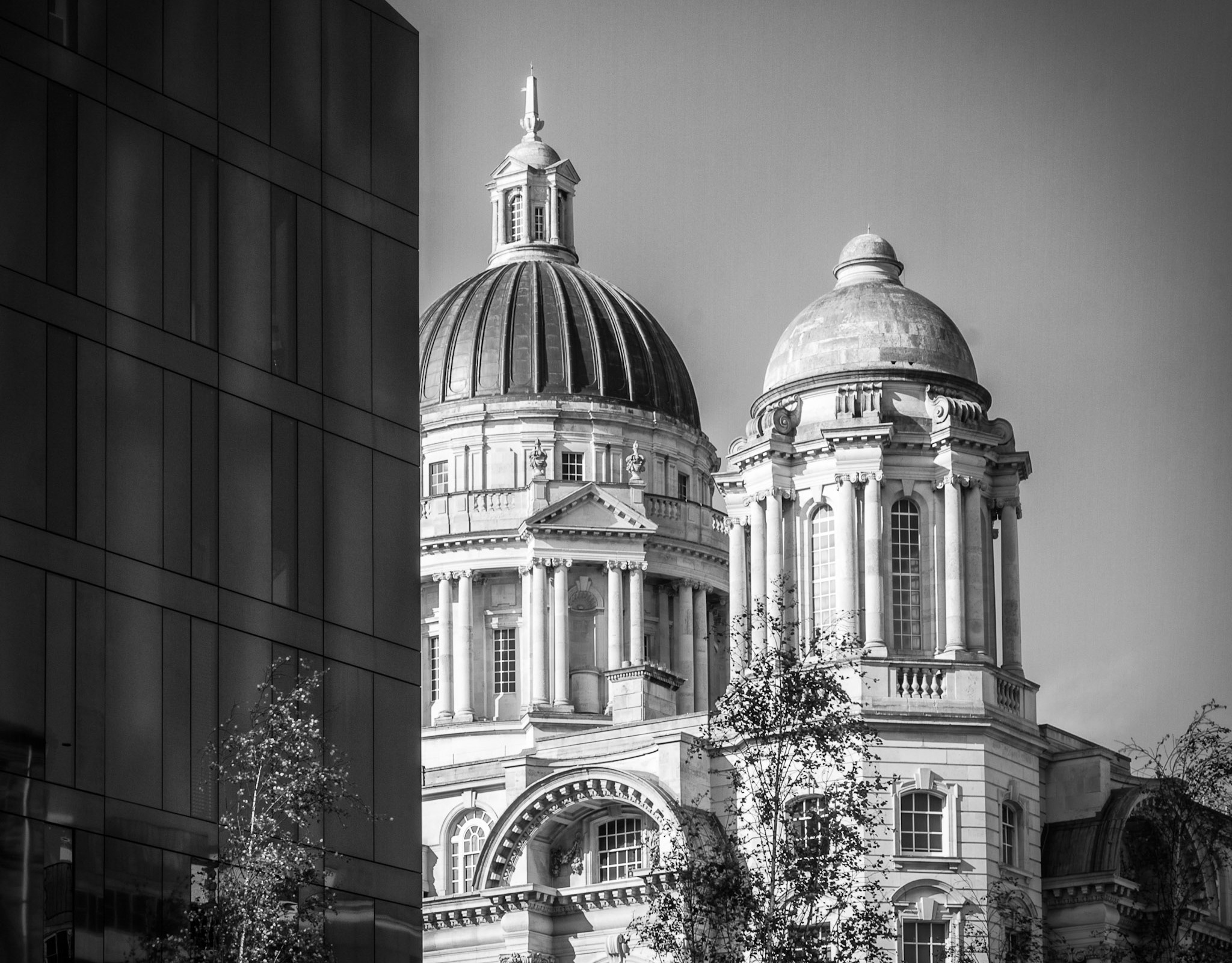
You can see the huge difference in the overall look of the picture. The ‘Natural’ one is much more restrained but still holds shadow detail that would have been difficult to record in a single shot. Anyway, I can see that with a lot of experimentation with the numerous sliders and controls, you can avoid the more cartoony style of a lot of HDR images. It’s definitely a technique I’m going to follow up, meanwhile here’s another example from Liverpool waterfront.

Liverpool Waterfront HDR